> For the complete documentation index, see [llms.txt](https://docs.ox.security/llms.txt). Markdown versions of documentation pages are available by appending `.md` to page URLs; this page is available as [Markdown](https://docs.ox.security/ticketing-and-messaging/ticket-management/monday.md).
# Monday
Monday is a versatile work management platform that helps teams streamline workflows, track projects, and collaborate efficiently.
It offers customizable dashboards, automation, and integrations to enhance productivity across various industries.
By integrating OX Security with Monday.com, teams can seamlessly incorporate security insights into their existing workflows.
This integration enables the following:
* automatic tracking of security issues
* real-time updates on vulnerabilities
* visibility into security risks
With OX Security’s capabilities, development and security teams can prioritize and address threats directly from their Monday.com workspace, ensuring a more secure and efficient software development process.
{% hint style="info" %}
OX Security supports only working with Monday boards.
{% endhint %}
## Adding Monday Tickets
After [establishing the connection with Monday](#connecting-to-monday), you can add Monday tickets to tasks and issues in OX using one of the following methods:
* Adding a new ticket to an issue, or bulk of issues.
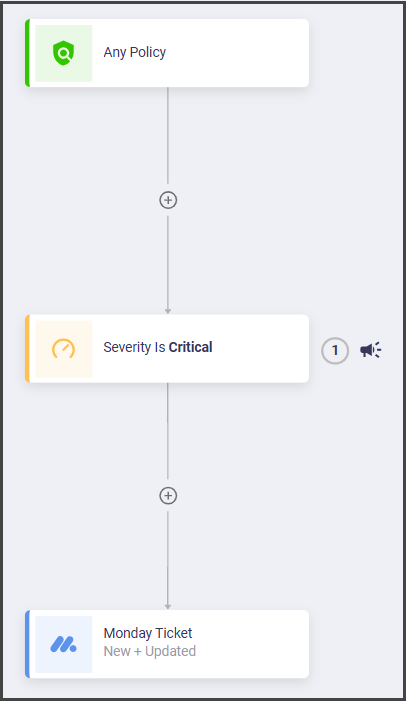
* Adding a new ticket as a scheduled task using workflows.
**To add a new Monday ticket in OX:**
1. In the **Issues** page, identify and select the issue for which you want to add a new ticket in Monday.
2. Select the Monday icon.
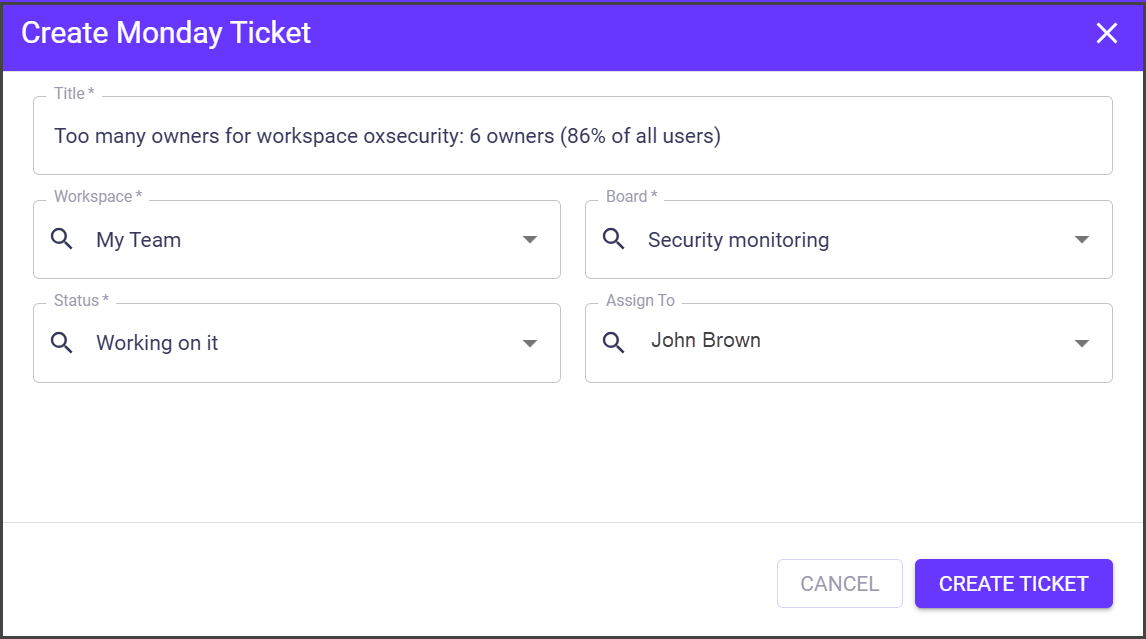
3. Set the ticket details in the **Create Monday Ticket** dialog and select **CREATE TICKET**.
| Parameter | Description |
| --------------- | --------------------------------------------------------- |
| **Title** | The title of the ticket that describes the problem/issue. |
| **Workspace** | The name of the workspace, as it's defined in Monday. |
| **Board** | The Monday board associated with this ticket. |
| **Status** | The status of the ticket. |
| **Assigned To** | Set the team member who will work on the ticket. |
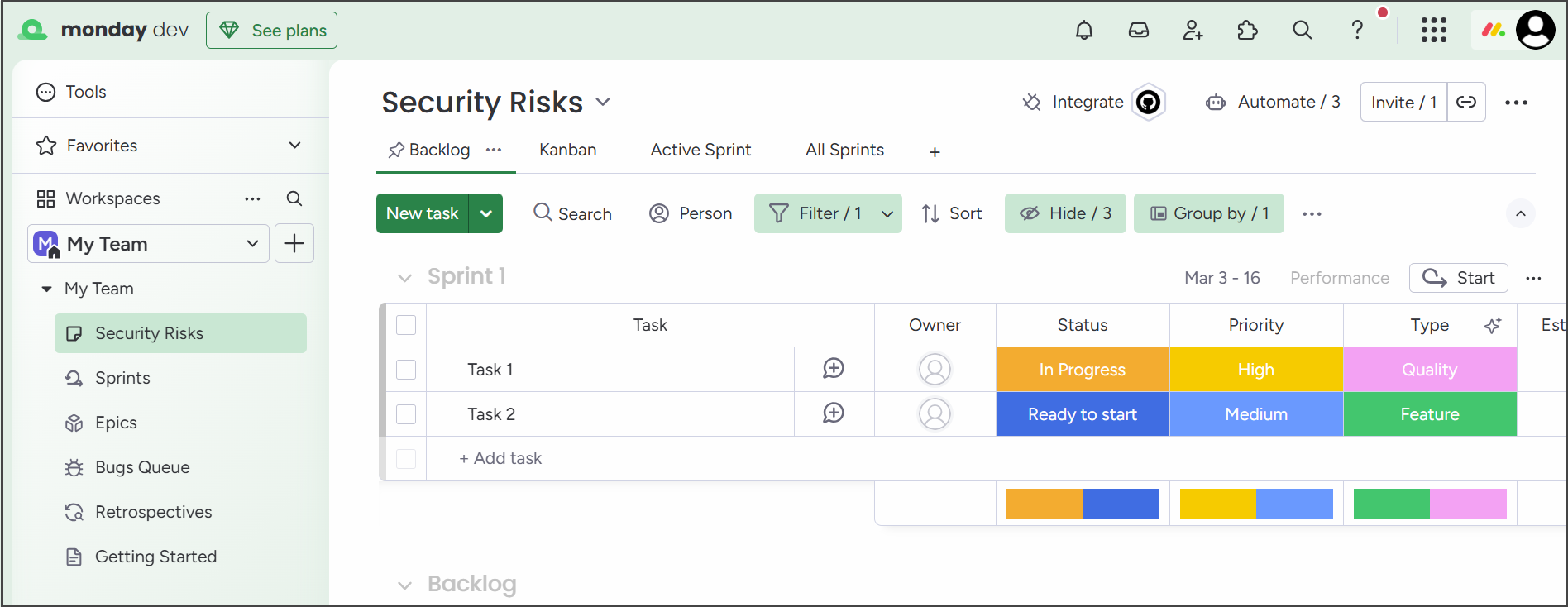
The new ticket appears in Monday.
## Connecting to Monday
### Prerequisites
* Monday account.
### Step 1: Get Monday Token
1. Log in to your Monday.com account.
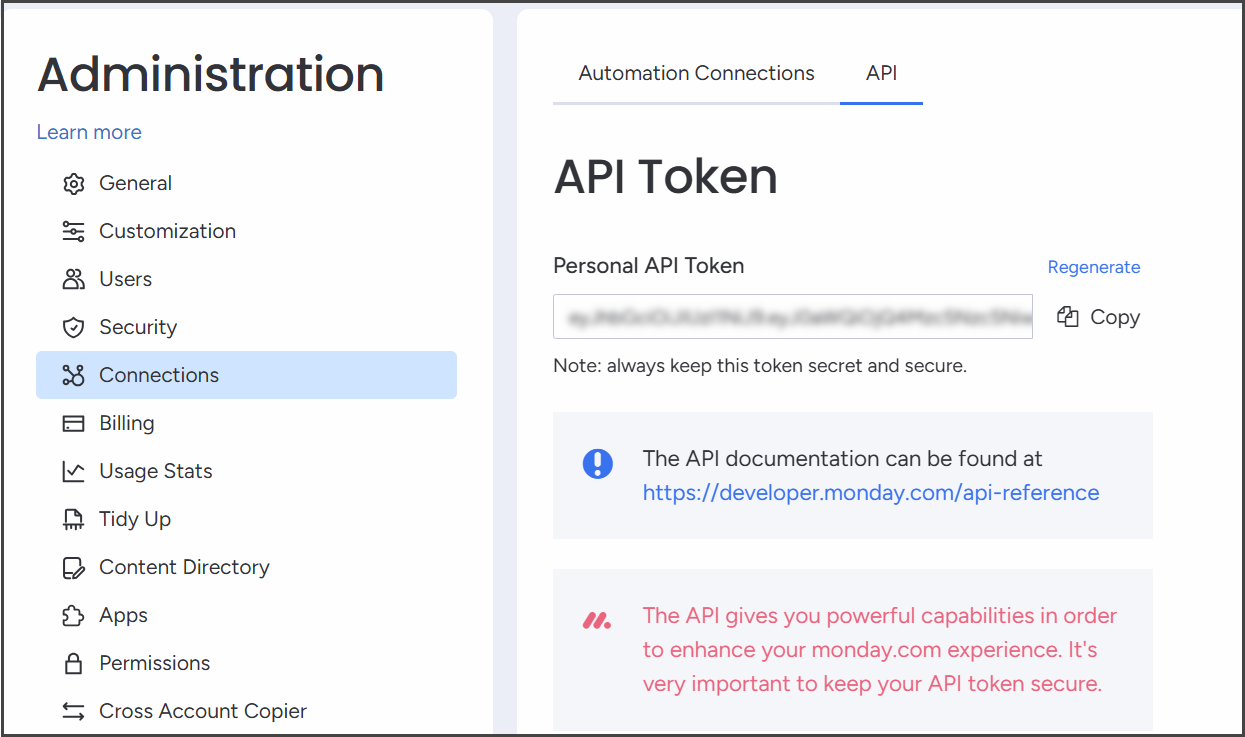
2. Click your profile picture in the top-right corner and select **Administration**.
3. In the left pane, select **Connections** and then in the right pane select the **API** tab.
4. In the **API Token** section, click **Generate** and then **Copy**.
5. Copy the token and store it in a different location. After closing this dialog you cannot see it again.
### Step 2: Connect to Monday
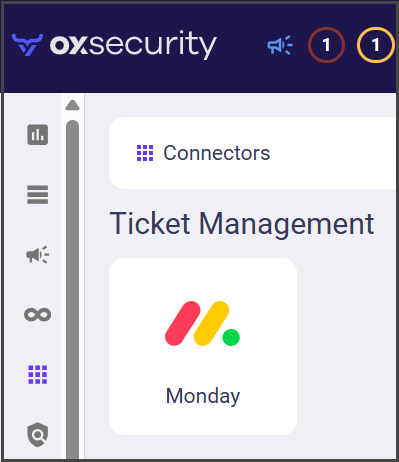
1. In the **OX app**, go to **Connectors** and search for Monday.
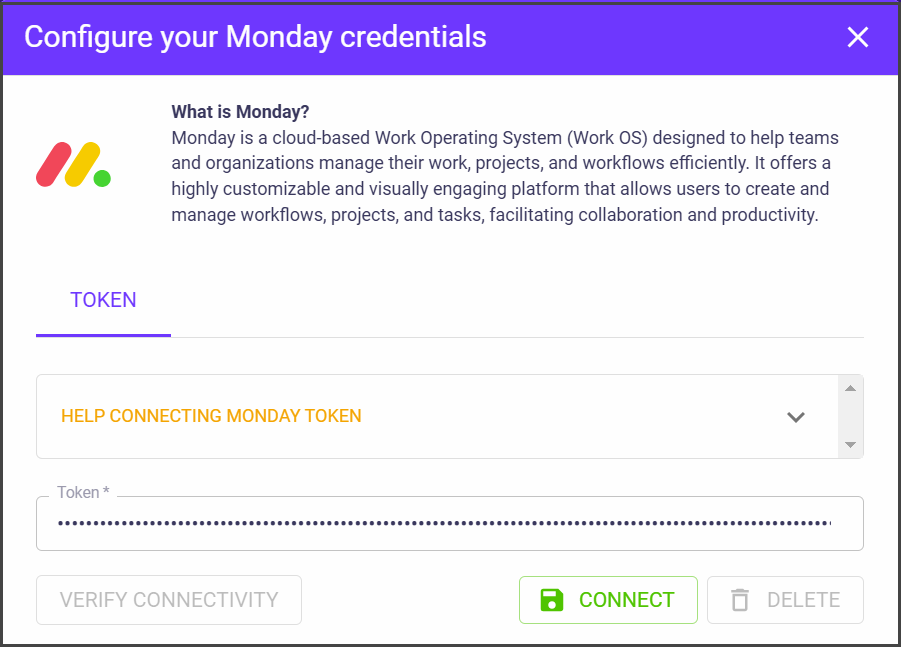
2. Select **Monday**. The **Configure your Monday credentials** dialog appears.
3. Select **CONNECT**. The Monday connector is configured.
---
# Agent Instructions
This documentation is published with GitBook. GitBook is the documentation platform designed so that both humans and AI agents can read, navigate, and reason over technical content effectively. Learn more at gitbook.com.
## Querying This Documentation
If you need additional information that is not directly available in this page, you can query the documentation by asking a question.
Perform an HTTP GET request on the following URL with the `ask` and `goal` query parameters:
```
GET https://docs.ox.security/ticketing-and-messaging/ticket-management/monday.md?ask=&goal=
```
`ask` is the immediate question: it should be specific, self-contained, and written in natural language.
`goal` is what the user is ultimately trying to achieve, the reason they need the answer. Sharing it helps GitBook give you a better, more relevant answer. A goal is most helpful when it describes the outcome the user wants rather than restating the question. For example, with `ask=how do I create an API token`, a goal like `automate deployments from our CI pipeline` lets GitBook tailor the answer to that use case.
The response will contain a direct answer to the question and relevant excerpts and sources from the documentation.
Use this mechanism when the answer is not explicitly present in the current page, you need clarification or additional context, or you want to retrieve related documentation sections.