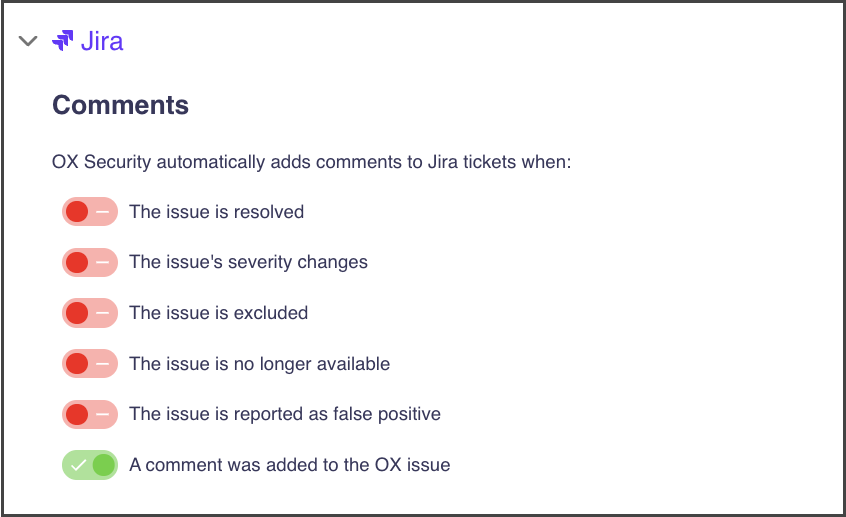
| The issue is resolved | The issue was resolved or reopened in the OX platform. |
| The issue is excluded | The issue was excluded from the security scan, and from now on this issue will not be reported. |
| The issue's severity changes | The severity definition of this issue was changed. |
| The issue is no longer available | The issue was not identified in a specific scan. |
| The issue is reported as false positive | The issue was manually defined in the OX platform as false positive, and a comment about it is automatically generated in the ticket linked to this issue. |
| A comment was added to the OX issue | A new comment is manually added to an issue in the OX platform, and the same comment is automatically added to the ticket. |
| The number of aggregation findings has changed | The count of findings aggregated under this OX issue has changed since the last scan. |